
Readable text
Set the font, color, outline, background, shadow, and angle.
What you can do
Add text or logos to a local image, position one copy or repeat it in a rotated, staggered pattern, then export JPEG, PNG, or base64.
Set the font, color, outline, background, shadow, and angle.
Resize, rotate, fade, and trim transparent edges.
Place one copy precisely or repeat it with gaps and staggered rows.
Blend layers into the photo with multiply, screen, or overlay.
Inject text and show layers conditionally from one reusable Recipe.
Save JPEG, PNG, or base64 and control image quality.
npm install react-native-image-marker
Example explained
Watermarks are added in the order they appear in your list.
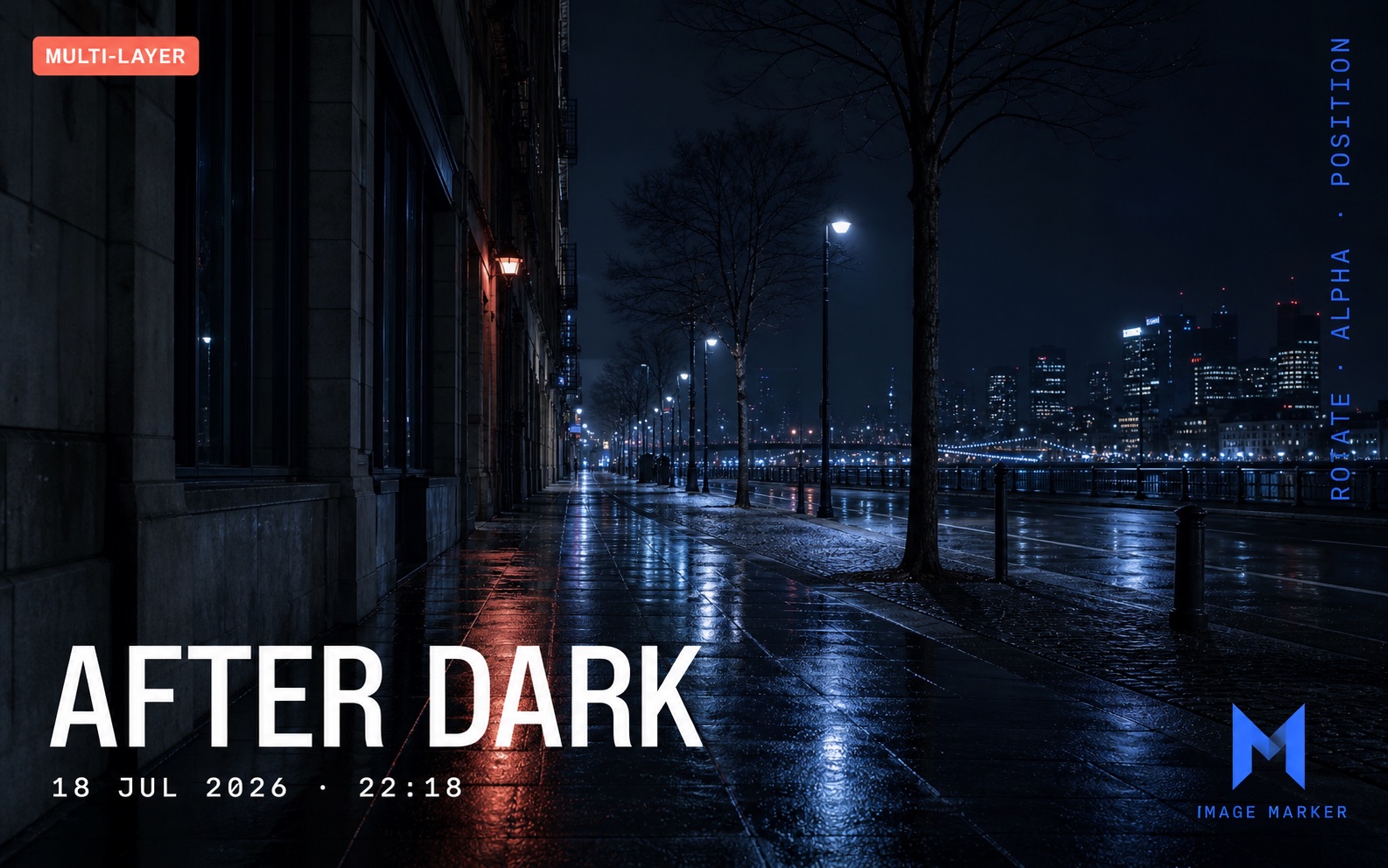
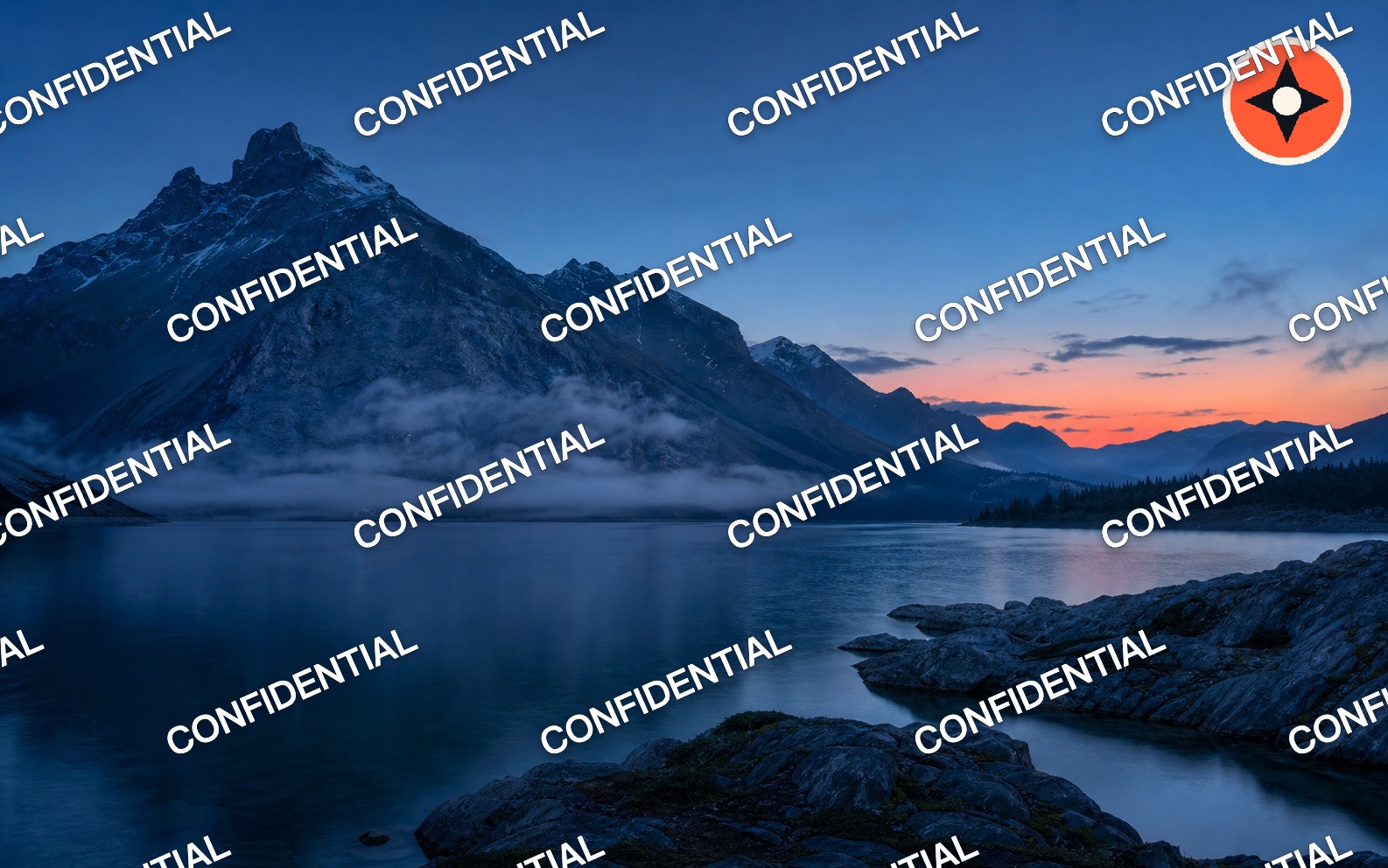
Marker.markTextAdd one or more text layers. Adjust the font, outline, background, angle, position, or tiled layout.
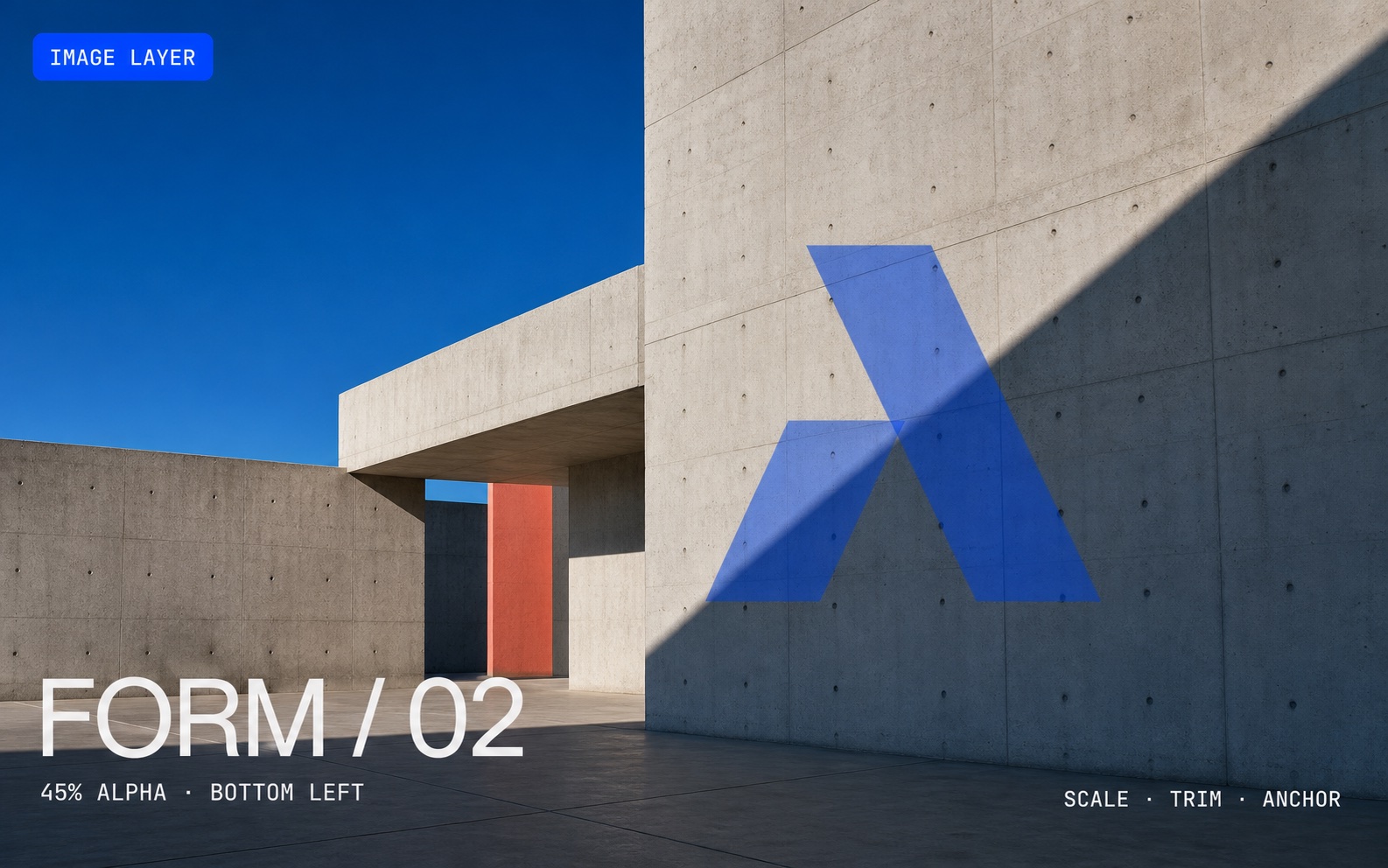
Marker.markImageAdd one logo, QR code, or icon—or repeat it in a staggered pattern.
Marker.markAdd text and images together, choose their order, and blend them naturally into the photo.
Marker.createRecipeProcess a batch with per-image text, conditional layers, progress, and cancellation.
embedInvisible / detectInvisibleWrite a short authenticated trace ID into the pixels, then recover it after distribution.
Everything runs on the device or in the browser. There is no account to create and no image upload. When you add several watermarks, items later in the list appear on top.
Use an online image tool, try the live Web SDK, install the library, or read the invisible watermark guide.