
Visual cookbook
These images come from the repository’s example cases. Use them to identify the feature you need, then follow the linked guide for current code.
Common recipes
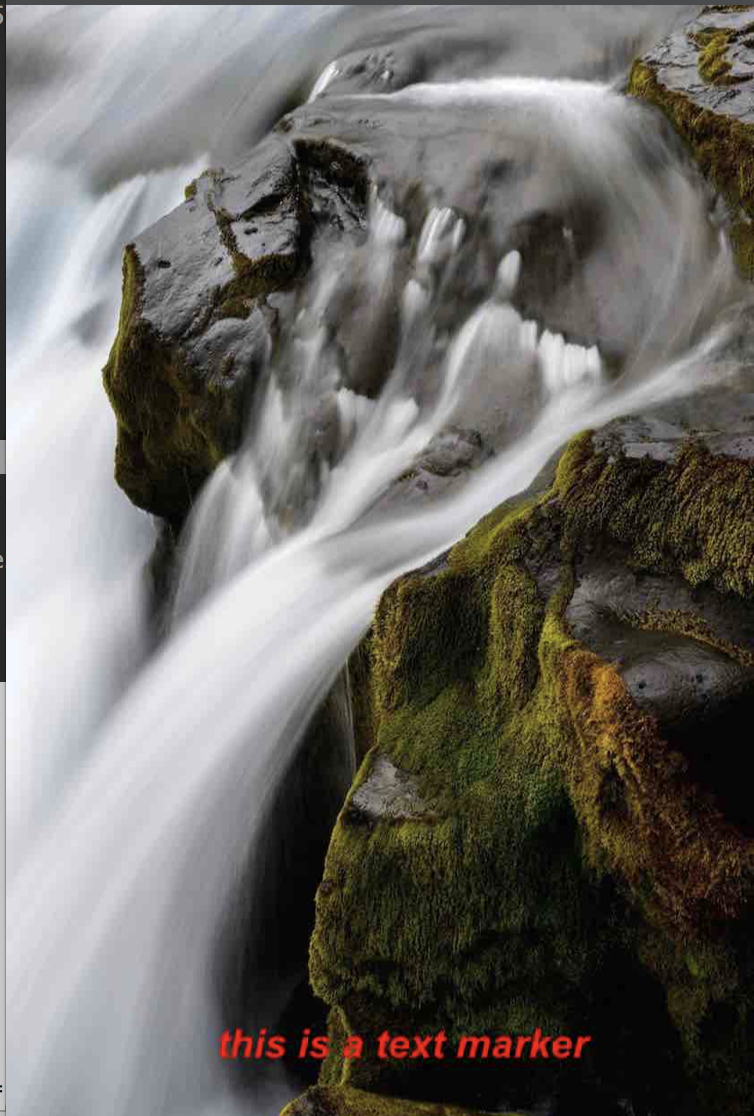
Section titled “Common recipes”A subtle corner signature
Section titled “A subtle corner signature”await Marker.markText({ backgroundImage: { src: photo }, watermarkTexts: [ { text: '© Acme Studio', position: { position: Position.bottomRight, X: 20, Y: 20 }, style: { color: '#FFFFFFB3', fontSizeRatio: 0.022 }, }, ], saveFormat: ImageFormat.jpg, quality: 92,});A sharp QR watermark
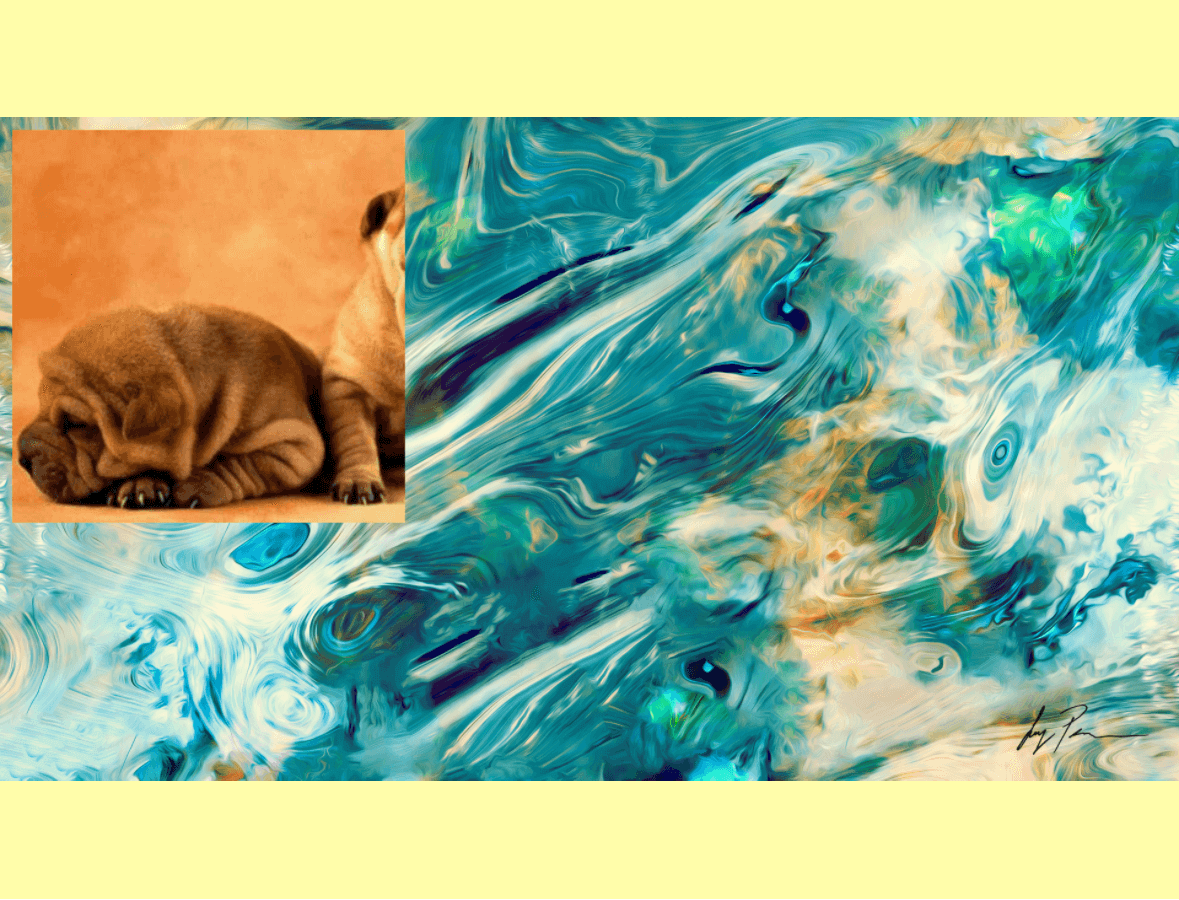
Section titled “A sharp QR watermark”await Marker.markImage({ backgroundImage: { src: photo }, watermarkImages: [ { src: qrCode, position: { position: Position.bottomLeft, X: 24, Y: 24 }, scale: 0.5, trimTransparentPadding: true, }, ], saveFormat: ImageFormat.png,});A repeated protection mark
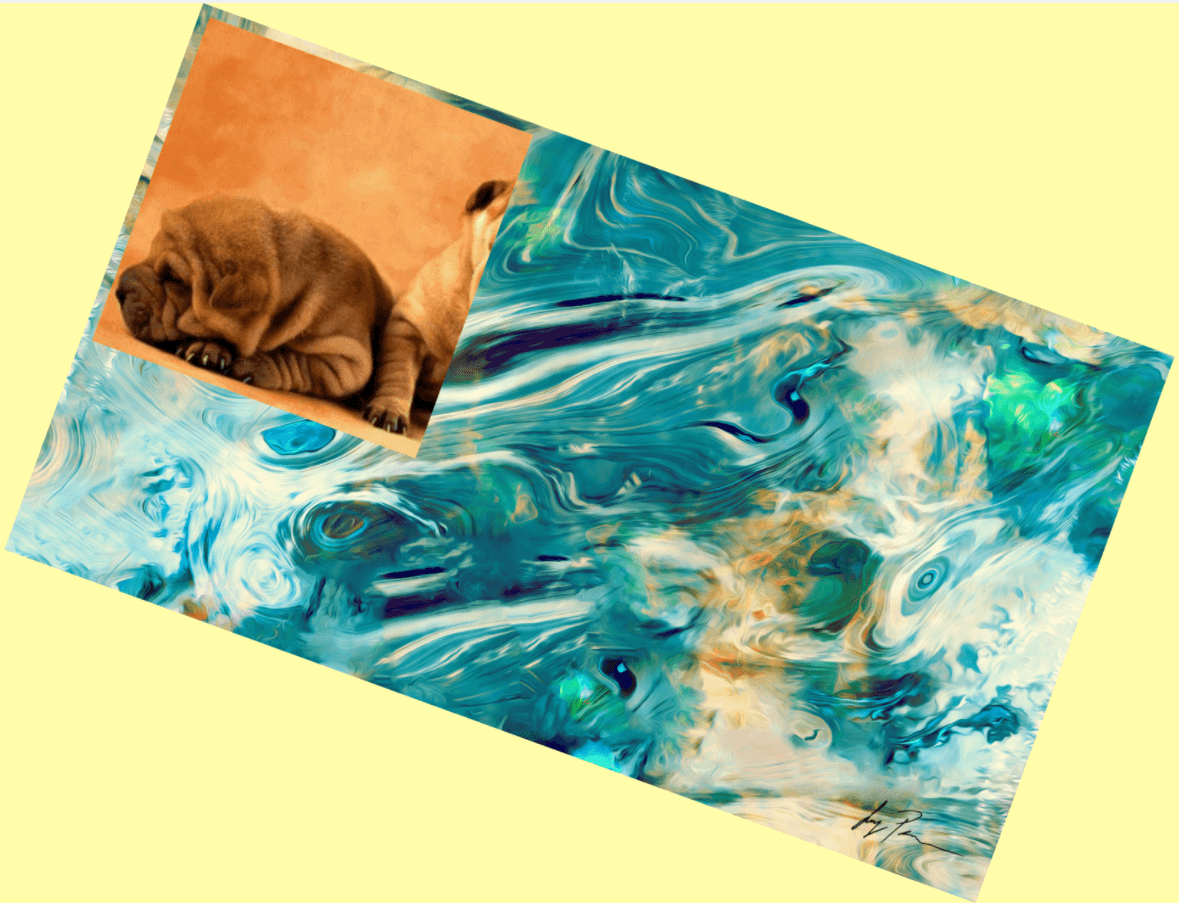
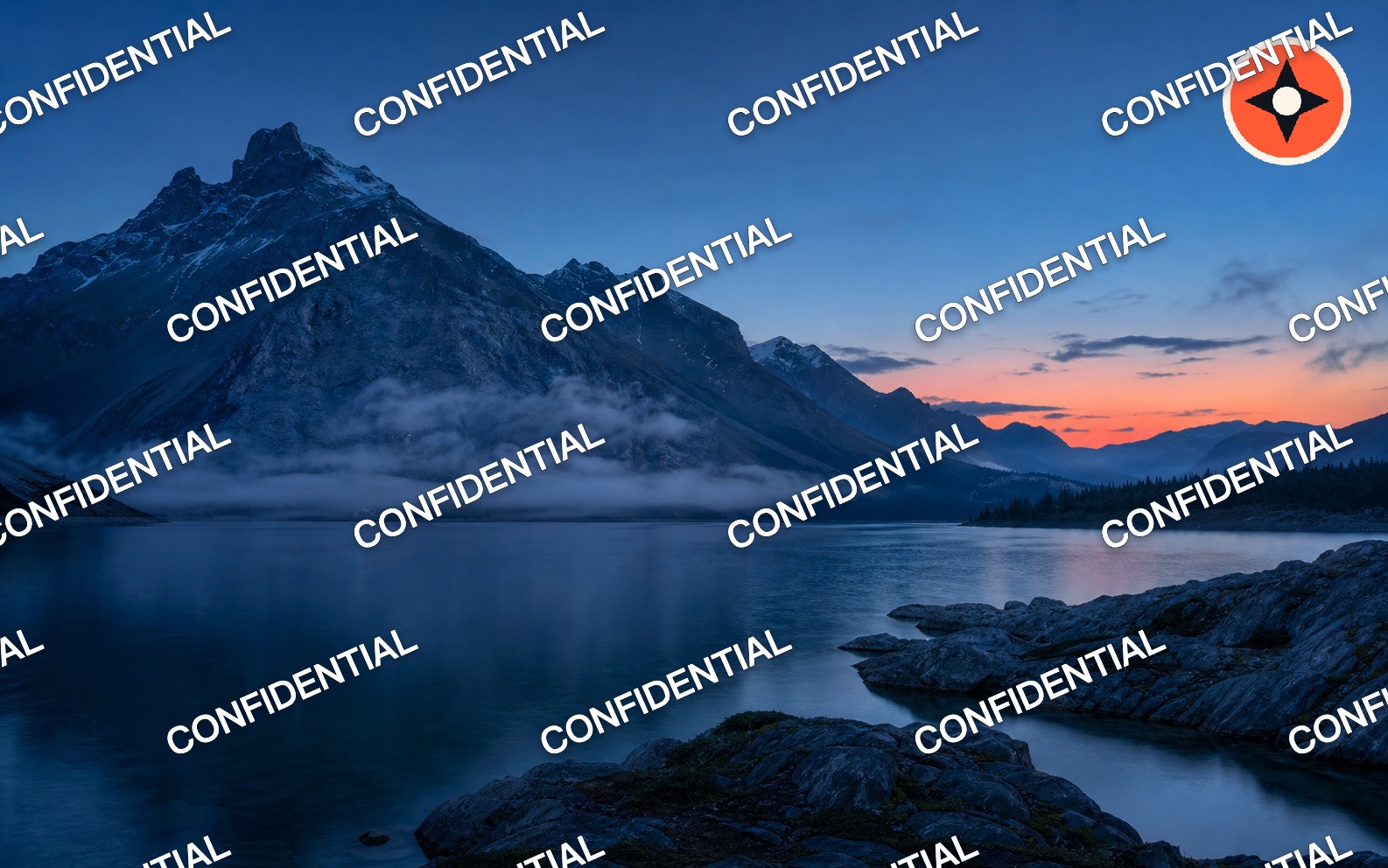
Section titled “A repeated protection mark”Use a translucent fill, contrasting outline, rotation, and staggered rows to keep the mark readable without hiding the photo.
await Marker.markText({ backgroundImage: { src: photo }, watermarkTexts: [ { text: 'CONFIDENTIAL', layout: { type: 'tile', gapX: '8%', gapY: '7%', offsetX: '-2%', stagger: true, }, style: { color: '#FFFFFF88', fontSizeRatio: 0.024, rotate: -24, strokeStyle: { color: '#0F172A88', width: 2 }, }, }, ], saveFormat: ImageFormat.jpg, quality: 92,});The same layout object works on an item in watermarkImages or an image layer passed to Marker.mark.
A logo below a text label
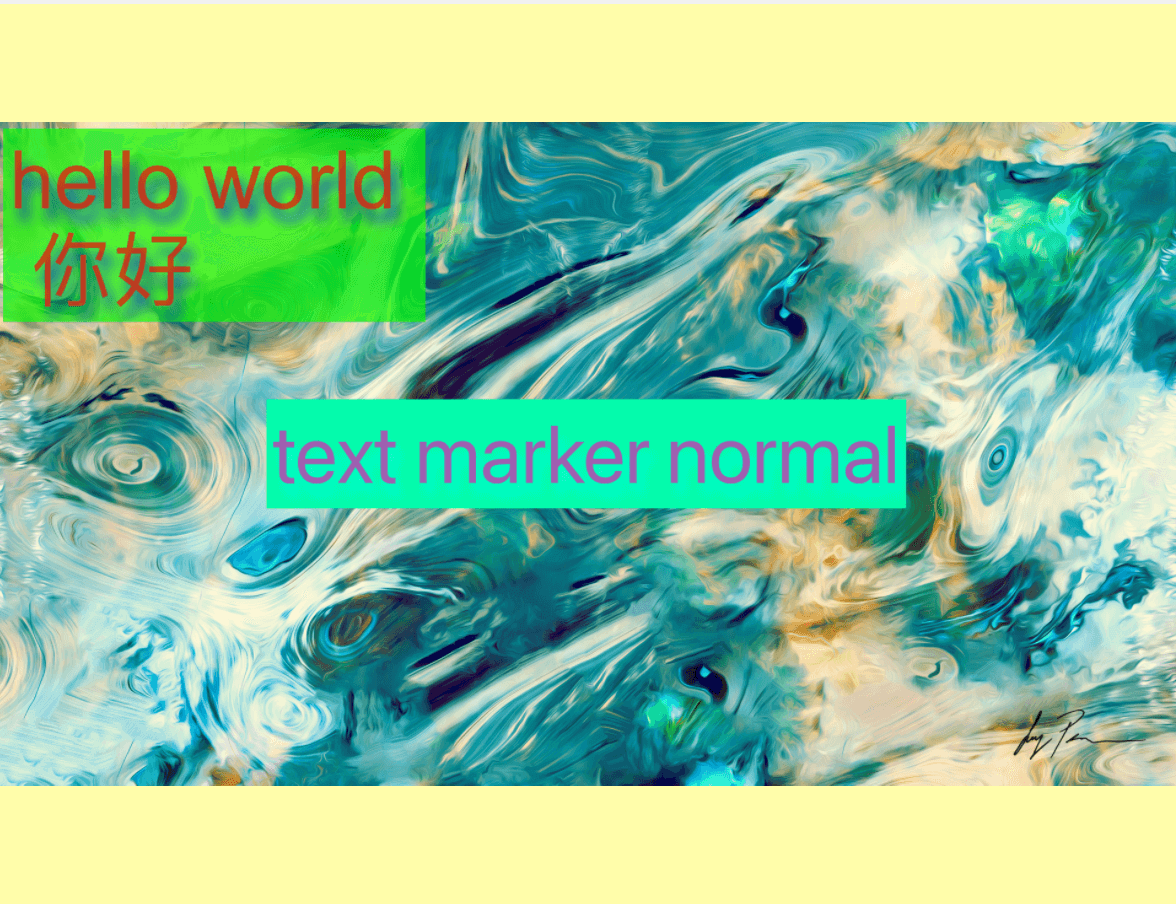
Section titled “A logo below a text label”With Marker.mark, later layers draw over earlier layers.
await Marker.mark({ backgroundImage: { src: photo }, watermarks: [ { type: 'image', src: logo, position: { position: Position.center }, alpha: 0.8, }, { type: 'text', text: 'APPROVED', position: { position: Position.center }, style: { color: '#FFFFFF', fontSize: 32, bold: true }, }, ], saveFormat: ImageFormat.png,});A watermark that blends with the photo
Section titled “A watermark that blends with the photo”multiply keeps darker logo details and lets the photo show through; screen is useful for light lettering. Both still respect the layer’s alpha value.
await Marker.mark({ backgroundImage: { src: photo }, watermarks: [ { type: 'image', src: logo, blendMode: 'multiply', position: { position: Position.center }, scale: 0.7, alpha: 0.85, }, { type: 'text', text: 'SCREEN LIGHT', blendMode: 'screen', position: { position: Position.bottomCenter, Y: 32 }, style: { color: '#FFE9B8', fontSize: 36, bold: true }, }, ], saveFormat: ImageFormat.png,});One recipe for a folder of images
Section titled “One recipe for a folder of images”createRecipe snapshots the ordered layers and output settings. A text template can read per-image variables plus the built-in index and filename; visibleWhen includes a layer only when its condition matches. Batch results remain in input order, even when Web jobs finish in a different order.
const recipe = Marker.createRecipe({  schemaVersion: 1,  watermarks: [    {      type: 'text',      text: '© {{studio}} · {{filename}} · #{{index}}',      position: { position: Position.bottomRight, X: 24, Y: 24 },      style: { color: '#FFFFFF', fontSize: 28, bold: true },    },    {      type: 'image',      src: logo,      visibleWhen: { variable: 'showLogo', equals: true },      position: { position: Position.topRight, X: 24, Y: 24 },      scale: 0.25,    },  ],  saveFormat: ImageFormat.jpg,  quality: 90,});
const controller = new AbortController();const results = await recipe.applyMany(  photos.map((src, index) => ({    backgroundImage: { src },    filename: `photo-${index + 1}`,    variables: { studio: 'Acme Studio', showLogo: index % 2 === 0 },  })),  {    concurrency: 2,    signal: controller.signal,    onProgress({ settled, total, failed }) {      console.log(`${settled}/${total}; ${failed} failed`);    },  });
const savedRecipe = JSON.stringify(recipe.toJSON());
Missing template variables or invalid variable values reject only that input. Calling controller.abort() stops new items from starting. Items already rendering finish normally. A failed item is reported as rejected without stopping the rest of the queue.
For browser file queues, opt into direct byte output:
const webRecipe = Marker.createRecipe(recipeOptions, { resultType: 'blob' });const blob = await webRecipe.apply({ backgroundImage: { src: file } });The SDK does not create an object URL. Create and revoke one in your UI only when you need a preview.
To try the Web SDK without installing anything, open the live playground. For native controls and the architecture status panel, run the React Native example or Expo example.